Klaviyo SMS List Cleaning: Validate Phone Numbers Before Imports and Campaign Sends
Klaviyo can import several phone formats, but formatting is only the first gate. A profitable SMS segment also needs valid mobile numbers, clean consent fields, line type detection, carrier context, timezone data, and a suppression file for numbers that should not receive paid messages.
E-commerce SMS
Protect promo sends, loyalty updates, and winback flows.
Multi-file cleanup
Upload CSVs, validate rows, and export clean segments.
Timezone sends
Send at local hours after the list is SMS-ready.
Featured Snippet Answer
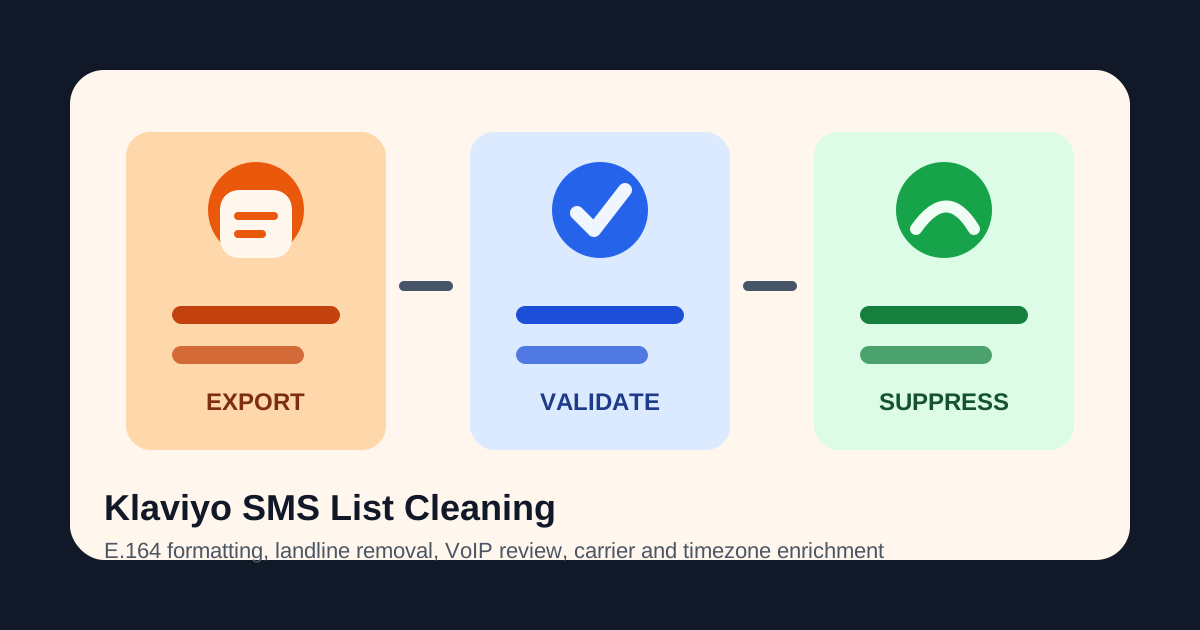
To clean a Klaviyo SMS list, export contacts with consent data, normalize phone numbers to E.164, validate every number, detect line type and carrier, enrich timezone, remove invalid and landline rows, review VoIP numbers, and import SMS-ready plus suppression files back into Klaviyo.
Why Accepted Format Is Not Enough
Klaviyo documentation says list imports can accept several phone number formats, while API calls require E.164. That is useful import guidance, but it does not answer whether a number should receive an SMS campaign. A formatted landline still wastes a send. A valid-looking VoIP number can create fake signup and coupon abuse risk. A mobile number without timezone data can be messaged during a poor local window.
SMS marketers tend to discover this after the bill arrives. The platform shows a large subscribed audience, but a meaningful slice of the list cannot receive the channel, belongs to an old household phone, has been typed with the wrong country, or came from a low-intent form submission. Phone validation shifts that discovery before the campaign, where the team can still remove waste.
This is especially important for seasonal campaigns. A Black Friday, product-drop, or inventory alert audience often combines recent purchasers, giveaway leads, retail event scans, and stale loyalty records. One segment may perform beautifully while another drags down delivery, opt-outs, and reporting. Cleaning the file first turns one messy export into a send file, a suppression file, and a review queue.
Read Klaviyo phone number format guidanceKlaviyo Import Field Problems and Validation Fixes
| Field | Common problem | Validation fix |
|---|---|---|
| Phone number format | A list import can accept several formats, while API workflows often require consistent E.164 input. | Normalize to one canonical number before dedupe and import. |
| Line type | Klaviyo segmentation may know consent but not whether the number is mobile, landline, or VoIP. | Attach type and route mobile, landline, VoIP, and toll-free records differently. |
| Carrier | Campaign reporting often hides whether one network is producing most failures. | Add carrier as a profile property for pacing and post-send diagnostics. |
| Timezone | A global segment can send during poor local hours if timing is based only on store defaults. | Use timezone fields to create send windows by recipient locale. |
| Suppression reason | A removed contact without a reason creates support questions and messy re-imports. | Write invalid, landline, VoIP review, disposable, duplicate, or no-timezone as a clear outcome. |
The Validate, Enrich, Filter, Export Workflow
The cleanest Klaviyo workflow starts outside the send builder. Export phone contacts with the source fields your team already trusts: SMS consent timestamp, acquisition source, country, last order date, customer value, and current suppression status. Then run the file through Phone-Check.app so every profile gets the same phone intelligence fields.
| Condition | Why it matters | Export | Klaviyo action |
|---|---|---|---|
| valid mobile or fixed-line-or-mobile | Reachable candidate for SMS when consent and timezone rules also pass. | sms-ready.csv | Keep in campaign segment |
| invalid or malformed | No reliable recipient exists, even if the profile has historical purchase data. | suppression-invalid.csv | Suppress SMS and request updated phone later |
| landline or toll-free | Not suitable for SMS marketing and likely to inflate failure metrics. | suppression-non-mobile.csv | Route to email, support, or CRM repair |
| VoIP or disposable | Higher risk for fake signups, coupon abuse, and lower campaign quality. | review-voip.csv | Exclude from automated SMS until reviewed |
| valid but timezone missing | Sending time cannot be controlled reliably for regional campaigns. | review-timezone.csv | Hold from time-sensitive sends |
Code Example: Create Klaviyo Profile Properties from Validation Results
If you prefer API-first cleanup, validate numbers before your Klaviyo import and write phone intelligence as profile properties. The same fields can power segments, suppression flows, and reporting after the campaign.
type PhoneCheckResult = {
  valid: boolean;
  number: string;
  type: "MOBILE" | "FIXED_LINE" | "FIXED_LINE_OR_MOBILE" | "VOIP" | "TOLL_FREE" | null;
  isDisposable: boolean;
  carrier: string | null;
  country: string | null;
  timezones: string[];
};

async function enrichForKlaviyoProfile(phone: string) {
  const url = new URL("https://api.phone-check.app/v1-get-phone-details");
  url.searchParams.set("phone", phone);

  const response = await fetch(url.toString(), {
    headers: {
      accept: "application/json",
      "x-api-key": process.env.PHONE_CHECK_API_KEY ?? "",
    },
  });

  const result = (await response.json()) as PhoneCheckResult;
  const smsReady =
    result.valid &&
    (result.type === "MOBILE" || result.type === "FIXED_LINE_OR_MOBILE") &&
    !result.isDisposable;

  return {
    phone_number: result.number,
    properties: {
      phone_validation_status: result.valid ? "valid" : "invalid",
      phone_line_type: result.type,
      phone_carrier: result.carrier,
      phone_country: result.country,
      phone_timezone: result.timezones[0] ?? null,
      phone_sms_ready: smsReady,
      phone_suppression_reason: smsReady ? null : "not_sms_ready",
    },
  };
}
ROI: How List Cleaning Protects SMS Margin
Suppose an e-commerce brand prepares a 250,000-profile Klaviyo SMS campaign. The file includes recent purchasers, old giveaway leads, and loyalty members imported from a prior platform. A raw send may look efficient because the creative is ready and the audience is large. The problem is the denominator. If 12% of the list is invalid, disconnected, landline, toll-free, or stale, then 30,000 attempts do not have a fair shot at becoming revenue.
With validation, that 30,000-row waste pool becomes visible before send time. The team can suppress invalid records, remove landlines from SMS, route VoIP to review, and keep only local-time eligible mobile contacts in the campaign. That supports the same outcomes marketing teams ask for every quarter: lower SMS spend, cleaner deliverability, better campaign attribution, and fewer fake or low-intent profiles in lifecycle flows.
Upload CSVs
Validate multiple files from Klaviyo, Shopify, CRM exports, event lists, and paid-lead sources.
Keep mobile rows
Filter invalid, landline, toll-free, disposable, and risky VoIP records before paid SMS.
Import evidence
Store carrier, line type, timezone, and suppression reason on profiles for future segmentation.
Fraud and Form Quality: The Quiet Klaviyo Benefit
List cleaning is not only a cost project. It also protects acquisition quality. Coupon forms, back-in-stock alerts, and giveaway entries can attract fake or disposable phone numbers. If those profiles sync straight into Klaviyo, they may receive welcome flows, promo alerts, and retargeting logic before anyone notices the contact is low quality.
H-ISAC warned in 2026 that SMS and voice OTP toll fraud often requires stricter rules or alternative verification for VoIP and premium-type numbers. The same principle applies to marketing forms: do the phone risk check before expensive automation starts. Phone validation, line type detection, and carrier enrichment give growth teams a clean way to separate real subscribers from risky entries without blocking every edge case.
Read the 2026 SMS and voice OTP toll fraud bulletinFAQ
Can Klaviyo SMS lists be cleaned without a native integration?
Yes. Export contacts as CSV, validate them in Phone-Check.app, then import enriched profile properties and suppression files back into Klaviyo. Use the API path when you need real-time form checks.
Why validate if Klaviyo already accepts several phone formats?
Accepted format is not the same as SMS readiness. A number can be formatted correctly but still be invalid, landline, VoIP, toll-free, disposable, stale, or outside a useful timezone window.
Should all VoIP numbers be suppressed from Klaviyo?
For consumer SMS marketing, non-fixed VoIP should usually be suppressed or reviewed because it creates fake signup and delivery-quality risk. For B2B, fixed VoIP may belong in sales follow-up instead of automated SMS.
How often should e-commerce SMS lists be revalidated?
Validate before large sends, after major imports, and whenever a segment has not been contacted for 30 to 90 days. High-cost campaigns and seasonal promos deserve a fresh cleanup pass.