A2P 10DLC Consent and Phone Validation Checklist
A2P 10DLC reviews do not fail only because of messaging-provider setup. They also fail upstream: vague consent language, missing policy links, unverified opt-in paths, and recipient lists that still contain numbers that should never receive SMS.
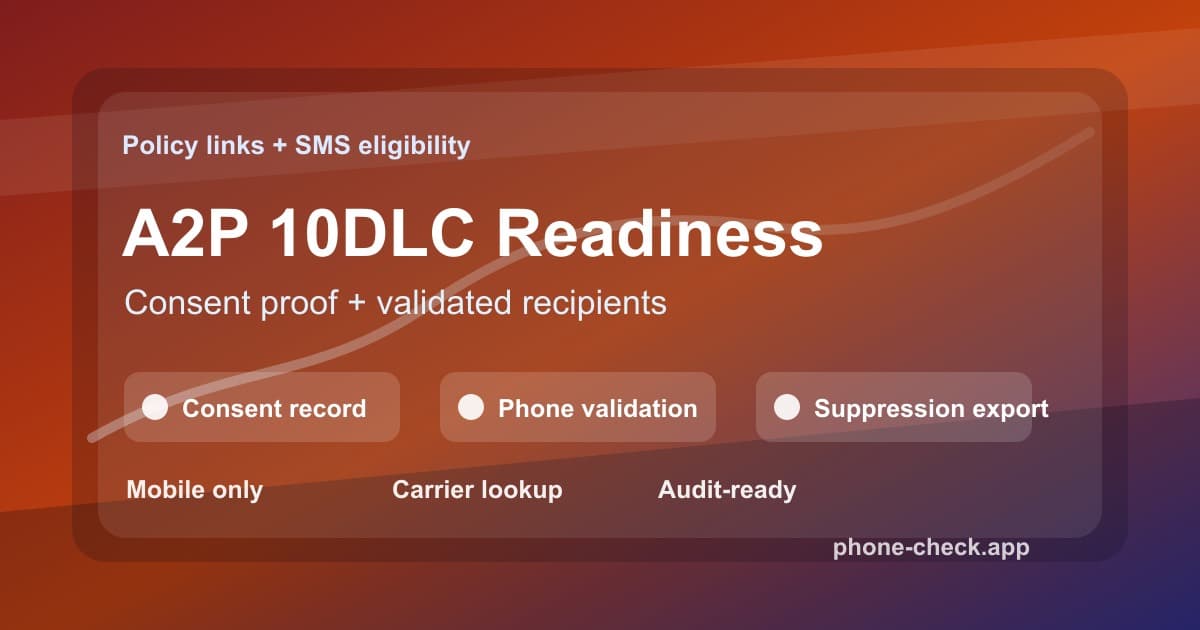
Consent and Recipient Quality Are Separate Controls
Consent proves the person agreed to receive a specific type of message from a specific sender. Phone validation proves the number is reachable, normalized, and eligible for the channel. One does not replace the other. A consented landline still cannot receive an SMS. A valid mobile number still needs a consent record before marketing outreach.
The safest operating model puts both controls in the same workflow. When a number enters your business, save the consent context and validate the phone number. Before a campaign launches, revalidate the list, remove invalid and non-mobile records, and export a clean segment plus a suppression file.
This is not legal advice. It is the operational checklist marketing, compliance, and engineering teams can use so campaign review and send readiness do not depend on scattered screenshots and stale CRM fields.
The 2026 A2P Readiness Checklist
| Control | Owner | Proof to keep | What breaks without it |
|---|---|---|---|
| Public opt-in path | Marketing | Live form, screenshot, keyword flow, or checkout copy that shows SMS consent before submission. | Carrier reviewers cannot verify how the recipient agreed to receive messages. |
| Privacy and terms URLs | Legal or RevOps | Public links that describe message program terms, opt-out instructions, and consent-data handling. | Registration stalls because the campaign cannot prove policy coverage. |
| Phone validation gate | Engineering | Validation status, normalized number, line type, carrier, country, and timezone stored on each recipient. | Invalid, landline, and risky VoIP numbers enter the campaign audience. |
| Consent-to-number match | Compliance Ops | Timestamp, source form, campaign purpose, phone number, and consent text version saved together. | The business can show a lead record but not the exact consent context for the SMS use case. |
| Suppression export | Marketing Ops | A clean mobile audience plus a separate file for invalid, landline, disconnected, or review records. | Bad records keep returning to the SMS platform through later imports. |
Build the Workflow Before Campaign Submission
Map every collection point
List every place phone numbers enter the business: landing pages, Meta forms, LinkedIn forms, checkout pages, partner imports, CSV uploads, and CRM-created contacts.
Attach consent metadata
Save the opt-in copy, source page, campaign purpose, timestamp, and policy version with the phone number so compliance and marketing can audit the record together.
Validate and enrich before send
Run phone validation before a contact joins an SMS segment. Add validity, line type, carrier, country, timezone, and risk flags to the recipient record.
Suppress ineligible numbers
Remove invalid, disconnected, landline, toll-free, and high-risk VoIP numbers from the SMS audience. Keep separate exports for voice, email, or manual review.
Review policy links before registration
Confirm privacy policy and terms URLs are public, stable, and aligned with the campaign description before submitting a new A2P 10DLC campaign.
SMS Suppression Rules for Validated Lists
A clean list is not just a list with duplicates removed. For SMS, a clean list means every recipient has consent metadata and a current phone validation decision. The suppression file matters because it prevents bad rows from returning through the next CRM import or paid-lead sync.
Invalid or disconnected
Suppress from SMS and repair the record
The number cannot receive the message and will distort campaign reporting.
Landline or toll-free
Move to voice or email fallback
The contact may be legitimate, but the line is not a mobile SMS recipient.
Non-fixed VoIP or disposable
Suppress or require manual approval
These numbers are easier to create in volume and carry higher abuse risk.
Valid mobile with timezone
Keep in SMS audience
The record is reachable and can be scheduled inside local sending windows.
API Example: Pre-Send Eligibility Guardrail
The send decision should check both consent metadata and phone eligibility. If either side is missing, route to review instead of pushing the recipient into the campaign.
type SmsRecipient = {
  consentSource: string;
  consentTextVersion: string;
  phone: string;
  policyVersion: string;
};

type SmsEligibility = 'send' | 'fallback' | 'review' | 'suppress';

async function checkSmsEligibility(recipient: SmsRecipient): Promise<SmsEligibility> {
  if (!recipient.consentSource || !recipient.consentTextVersion) {
    return 'review';
  }

  const url = new URL('https://api.phone-check.app/v1-get-phone-details');
  url.searchParams.set('phone', recipient.phone);

  const response = await fetch(url, {
    headers: {
      accept: 'application/json',
      'x-api-key': process.env.PHONE_CHECK_API_KEY ?? '',
    },
  });

  if (!response.ok) {
    return 'review';
  }

  const phone = (await response.json()) as {
    isDisposable?: boolean;
    type?: string;
    valid?: boolean;
  };

  if (!phone.valid || phone.isDisposable) {
    return 'suppress';
  }

  if (phone.type === 'MOBILE') {
    return 'send';
  }

  if (phone.type === 'LANDLINE' || phone.type === 'TOLL_FREE') {
    return 'fallback';
  }

  return 'review';
}
Store the result next to the campaign ID. When compliance, support, or sales asks why a recipient did or did not receive SMS, the answer should be visible without searching three systems.
Where Bulk Validation Fits
Real-time checks are best at capture: lead form, checkout, signup, demo request, or account creation. Bulk validation is best before campaign launch. Upload CRM exports, stale segments, partner lists, or multiple CSV files, then download a clean mobile audience and a suppression file.
That workflow supports the exact filtering sequence SMS teams need: validate, detect line type, check carrier, identify timezone, filter out invalid and risky records, then remove those records from the send file. It protects spend, improves delivery reporting, and keeps A2P operations aligned with the campaign purpose.
FAQ
Does phone validation replace SMS consent?
No. Phone validation confirms whether a number is reachable and suitable for a channel. Consent proves the recipient agreed to receive the specific type of message. A strong A2P workflow needs both.
Why validate numbers before A2P 10DLC campaign review?
Campaign review focuses on the sender, message purpose, consent path, and policy links. Validation improves the operating evidence around the campaign by showing that the audience is clean, mobile-focused, and less likely to generate failed sends or abuse signals.
What changed for privacy and terms URLs in 2026?
Twilio announced that new A2P 10DLC campaign submissions through its Messaging REST API will require privacy policy and terms and conditions URLs starting June 30, 2026. Teams should treat those links as required campaign infrastructure, not launch-day paperwork.
How often should a consented SMS list be revalidated?
Revalidate before every major campaign, after bulk imports, and whenever a segment has been idle for 30 to 90 days. Consent may still exist, but the phone number can become invalid, reassigned, or ineligible for SMS.